Graphics · National 5
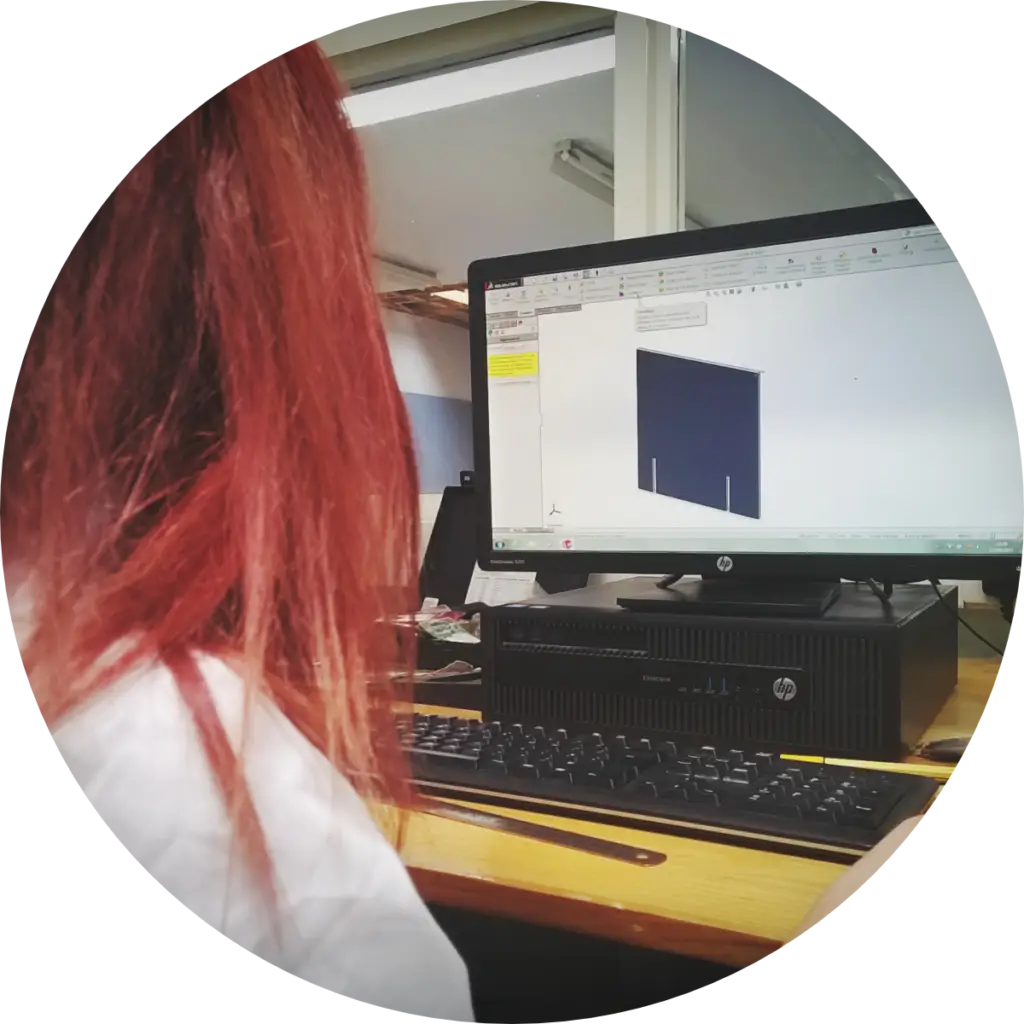
Computer Aided Design has replaced many traditional design and making tools, opening the world of creativity to everyone. Learning to use Computer Aided Design to a basic level is an essential skill for engineers and designers. In this unit will learn some of the basic commands and methods of working.
SCALE 1:1
N5CAD

SubjectGraphics
LevelNational 5
LicenceFree to copy, adapt, share
Sheet04.1 · N5 · CAD
01Lessons
Choose from the lessons below.
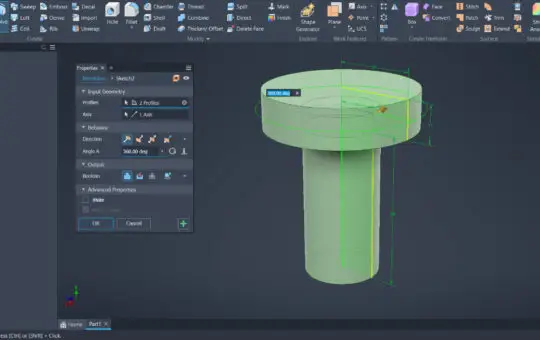
Create a sketch specifically for using the Revolve command.
How to create a new Body using a revolved feature.
How to add and subtract material whilst using revolve.
How to create sketches that are fully defined and constrained.
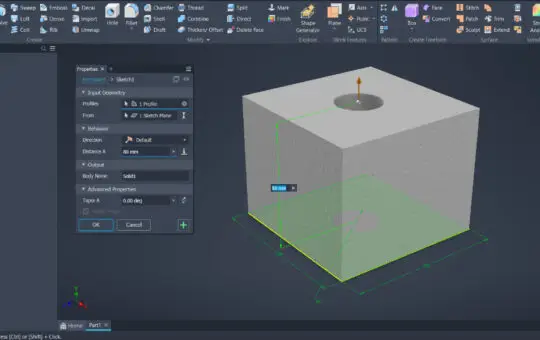
How to extrude to add and remove material.
How to create different bodies using the Extrude command.
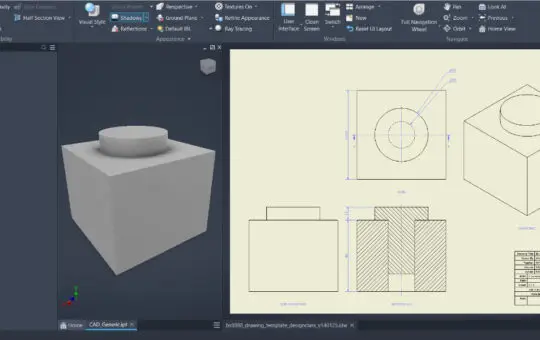
Place views on a drawing template.
What should be in a title box and how to complete it.
Set scales for different views and what scales to choose.
Place views on a drawing template.
Title views.
Set scale for different views.
02Legacy CAD Challenges
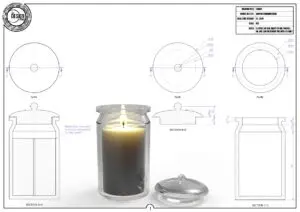
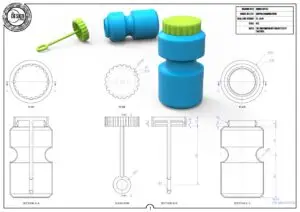
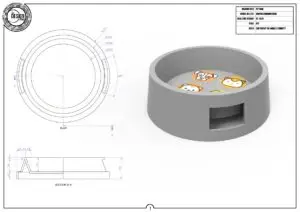
Here are CAD challenges we have made in the past How quickly can you model them? Extrude CAD Challenges
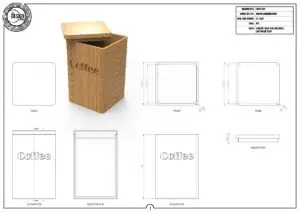
Coffee Pot
PDF ↓
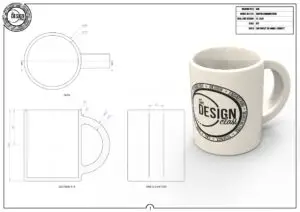
Cup
PDF ↓
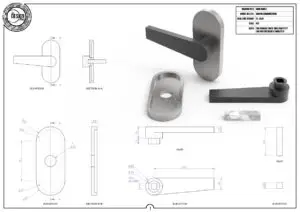
Door Handle
PDF ↓
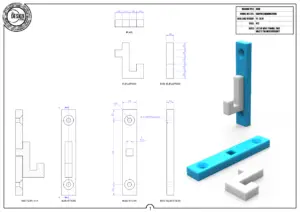
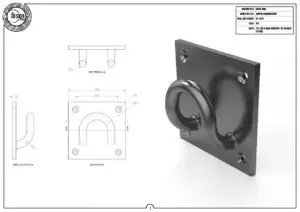
Wall Hook
PDF ↓

Mirte Square
PDF ↓

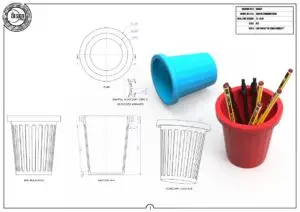
Pencil Stand
PDF ↓
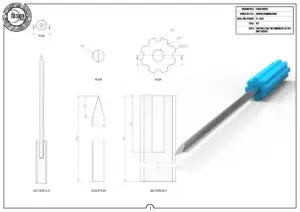
Screw Driver
PDF ↓

Spanner
PDF ↓
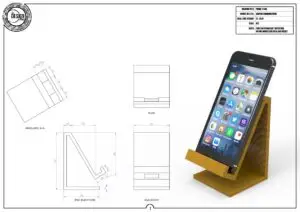
Phone Stand
PDF ↓
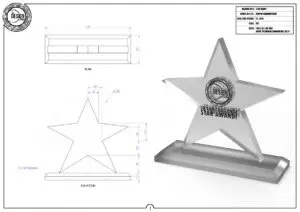
Trophy
PDF ↓

Whistle
Coming soon
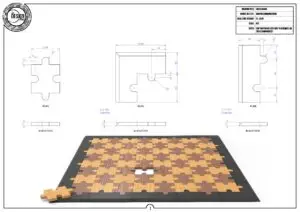
Chess Board
PDF ↓
Revolve CAD Challenges
03Downloads
Here are some free resources to help with 3D CAD
“Design is thinking made visual.”
Saul Bass