×

Lessons and downloads for your STEM Racing team: what each role does, how to build your team’s brand, and how to design, test and make a fast car.
Sector 1
Every member of the team has a job to do. Pick your role to see what it involves and how to do it well.
Team role guides are on the way.
Sector 2
Judges and sponsors notice teams that look professional. Build one identity and use it on everything you make.
Racing brand lessons are on the way.

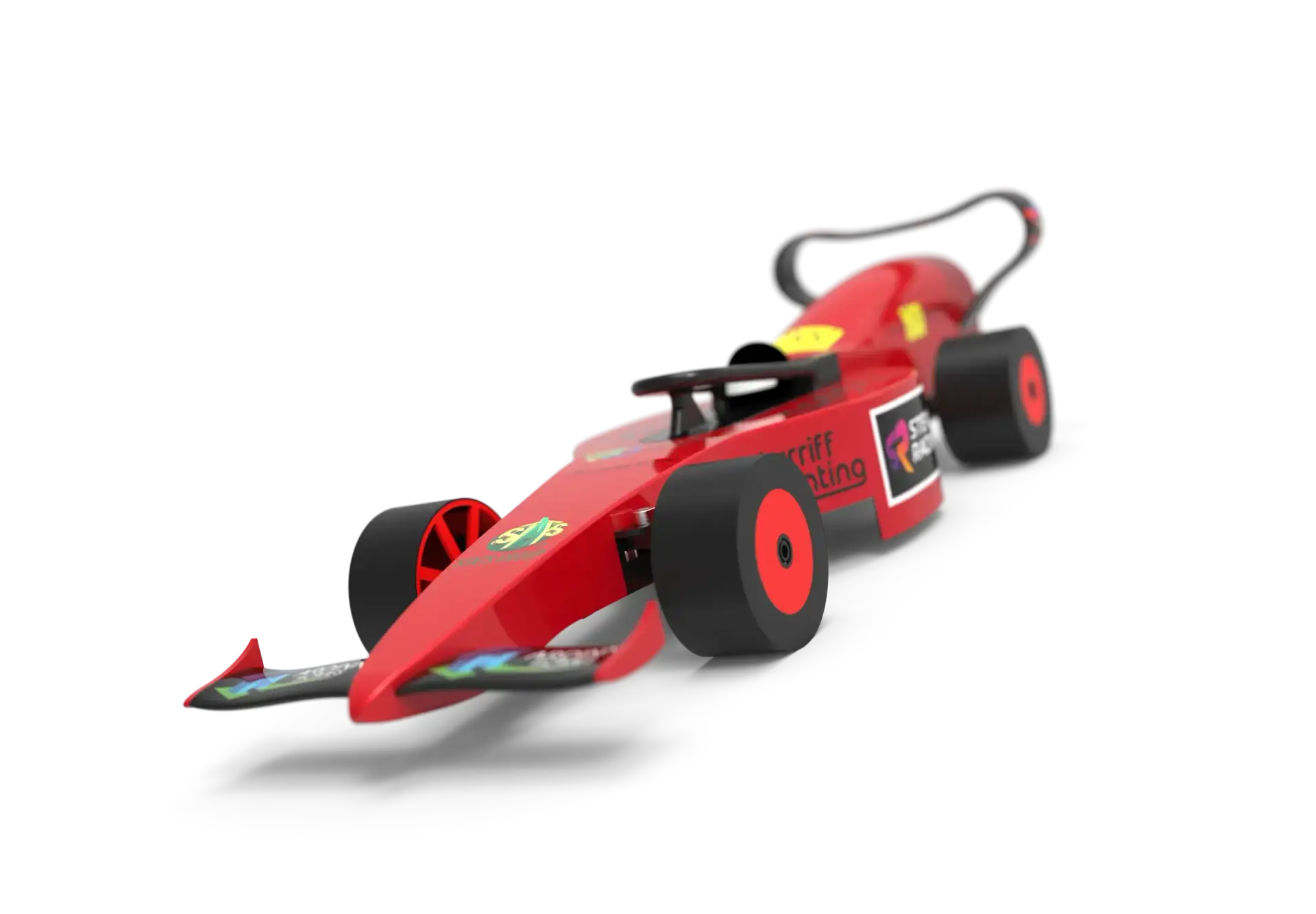
Every car on this track started as a sketch on a screen.
Sector 3
Five stages take you from a blank screen to a finished car on the track. Work through them in order.
Wind tunnel
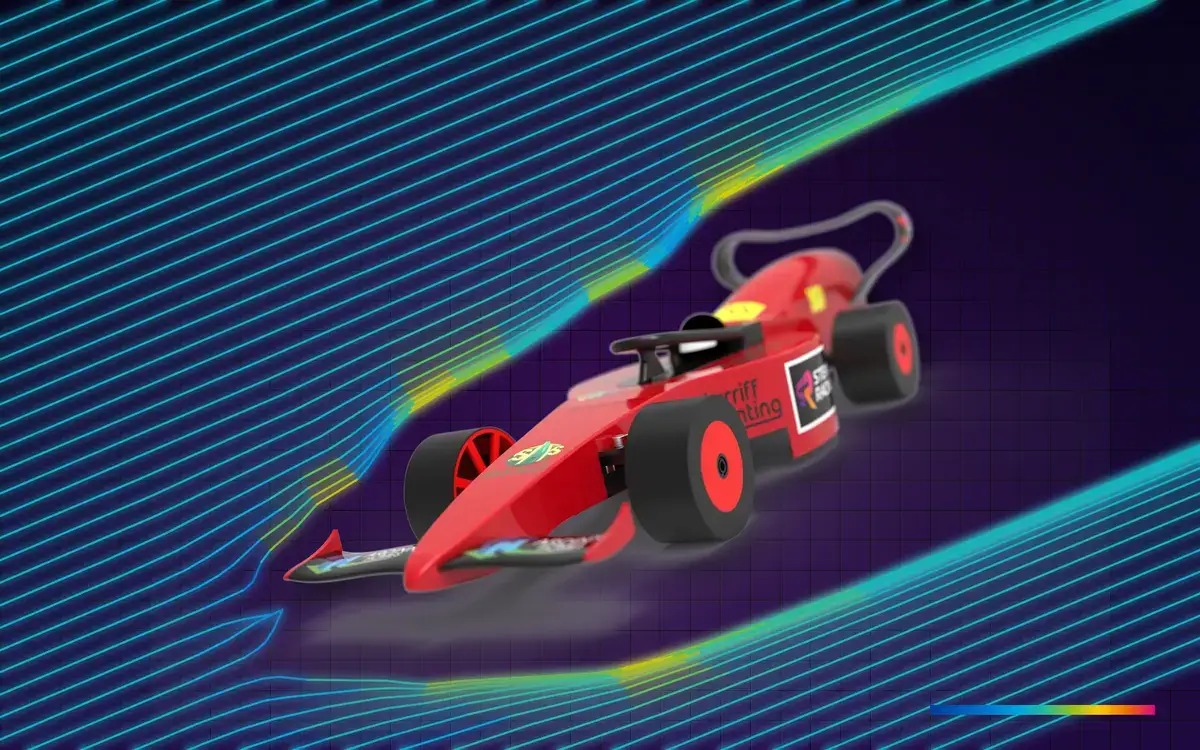
Upload your car straight from CAD and watch the air flow over it in your browser. Change the design, run it again and see whether the drag goes down.
1
Upload a STEP file of your car (.step or .stp).
2
Set the airflow direction and switch on the moving road.
3
Choose the wind speed, mesh detail and time-steps, then run the simulation.
4
Read the results as surface pressure, slices, streamlines or particles, and export an image for your portfolio.
Runs in Chrome or Edge on a Windows PC with a graphics card; it isn’t designed for iPads or Chromebooks. The drag score is for comparing your own designs, not a real-world figure.
Pit box
Templates, models and guides to use alongside the Sector 3 lessons.

Model the body, wings and wheels of a Development Class car in 3D CAD, within the regulations.
Test your design in a virtual wind tunnel and use the results to reduce drag.

Set up the CAM, fixture the blank and machine your car body on the CNC router.
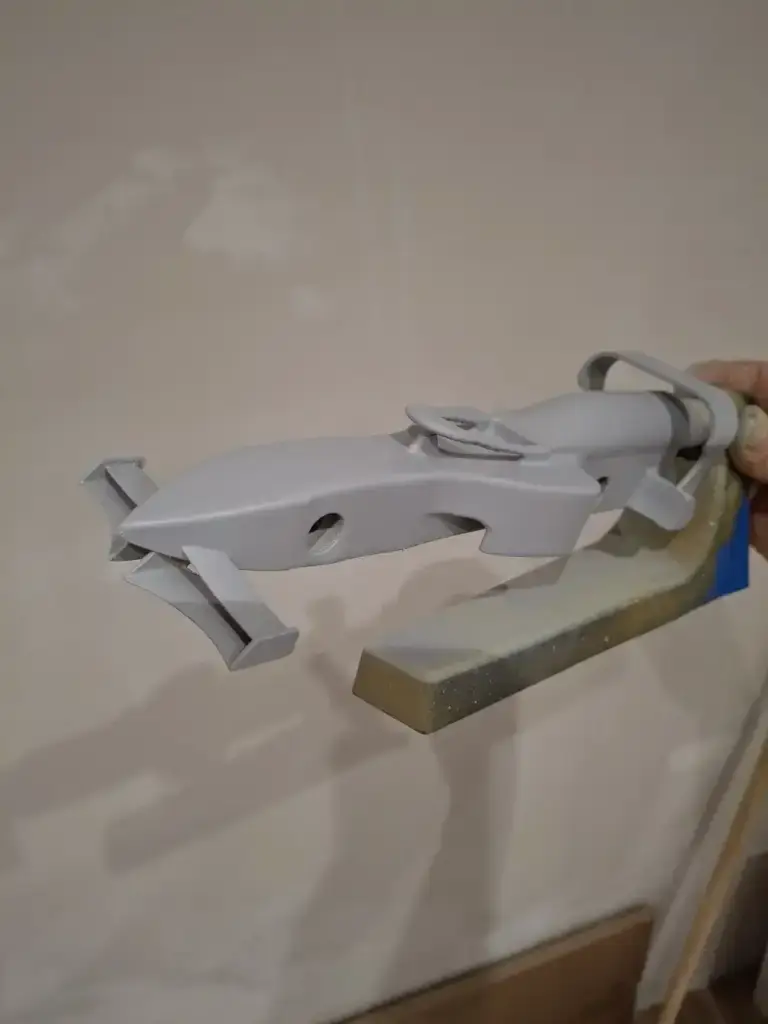
Print wings, nose cones and wheel parts accurately, then prepare them for racing.

Fill, prime, paint, lacquer and apply vinyl livery for a professional race finish.