Graphics · Higher Graphic Communication
Learn the elements and principles that make a layout work, then use them to analyse professional designs and build your own DTP layouts.

SCALE 1:1
HigherGraphic Design

SubjectGraphics
LevelHigher
LicenceFree to copy, adapt, share
Sheet04.1 · Higher · Graphic Design
01Course notes
Your Elements and Principles of Graphic Design booklet: every design element and principle explained, with examples and tasks. Work through it alongside the videos.
02Lessons
Guided lessons for this topic. New lessons appear here as soon as they are published.
03Videos
Thirteen short videos. Start with the introduction, then typography and colour theory, then pick any element or principle from the list.
04Colour Scheme Picker
Struggling to choose a colour scheme? Use the DesignClass colour palette selector. Choose between harmonious, complementary or colour-triad schemes.
05Design Brief Maker
Time to challenge your design skills! Use the DesignClass Brief generator and challenge yourself!
06Exam practice
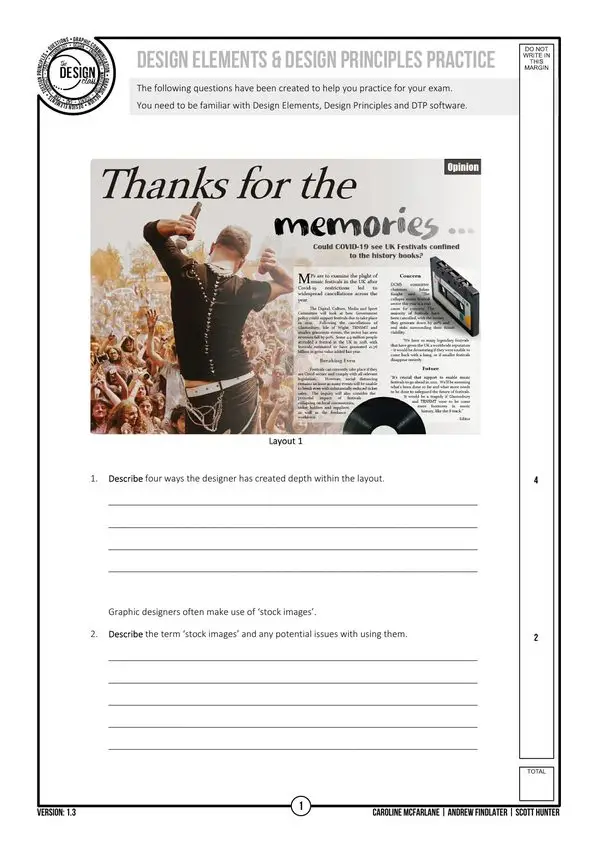
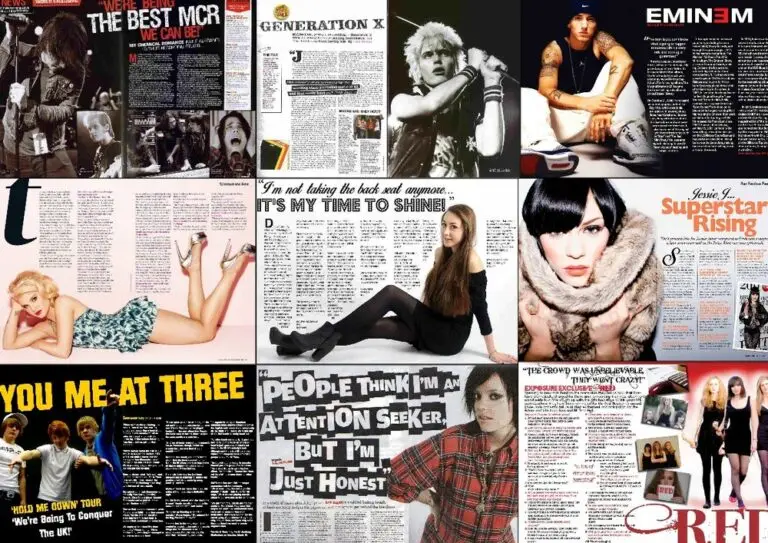
Practise for the exam: identify design elements and principles in real layouts and explain the decisions behind them. The layout analysis sheets give you double-page spreads to pick apart.
07DTP challenges
Recreate a professional layout from its technical spec: typefaces, sizes, positions and effects are all given. Download the task sheet and the asset pack (fonts, images and text), then build it in your DTP software. Where data is missing, improvise.
08Careers
Every brand, app, package, film title and road sign was designed by someone. These are just some of the careers that start with the skills on this page.
Branding
Creates the logos, colour palettes, typefaces and guidelines that make a company instantly recognisable.
Digital
Designs the screens of apps and websites so they are clear and easy to use – one of the fastest-growing design jobs.
Film and TV
Brings type and graphics to life for title sequences, adverts, music videos and social media.
Retail
Designs the boxes, bottles and labels that make a product stand out on a crowded shelf.
Publishing
Lays out magazines, books and newspapers, using grids, hierarchy and typography to guide the reader.
Advertising
Leads the visual side of advertising campaigns, from the first idea to the finished poster or film.
Illustration
Creates original artwork for books, games, packaging and brands.
Spaces
Designs the signs, wayfinding and exhibition graphics in museums, stadiums, airports and hospitals.
09Design and AI
AI can now make images and layouts in seconds, and it is changing how designers work. In the World Economic Forum’s Future of Jobs Report 2025, employers expected some traditional graphic design roles to shrink – but UI/UX design was among the fastest-growing jobs, and creative thinking among the fastest-rising skills.
01
AI can produce a hundred images, but it can’t tell which one suits the brief, the audience and the brand. That judgement comes from the elements and principles you learn here.
02
Employers rate creative thinking as one of the skills AI is least able to replicate. Original ideas, a clear concept and understanding people are still the designer’s job.
03
DTP software replaced cutting and pasting by hand. AI tools now speed up mock-ups, mood boards and photo editing. Learn the principles first so you can direct the tool – and always check who owns what it makes.
10Keep building
Graphic design done? Explore the other Higher Graphics topics.

01
3D modelling, assemblies and engineering drawings with industry-standard software.
Open CAD →
02
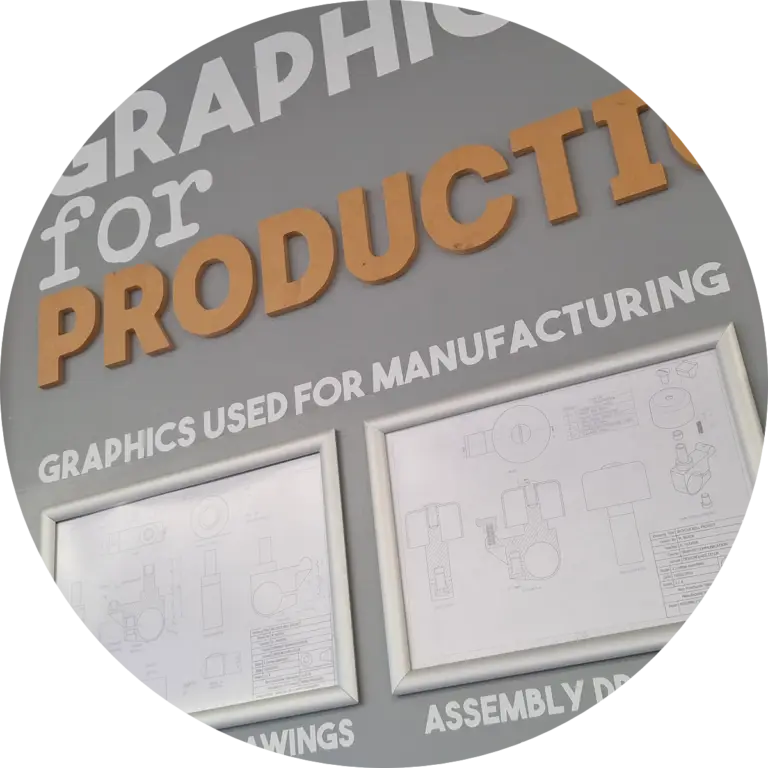
Orthographic, sectional and pictorial drawings, drawn accurately to standard.
Open Technical Drawing →
←
All Higher topics, downloads and past papers.
Back to Higher Graphics →
“Good design is obvious. Great design is transparent.”
Joe Sparano