N5 Graphic Communication · Illustration techniques
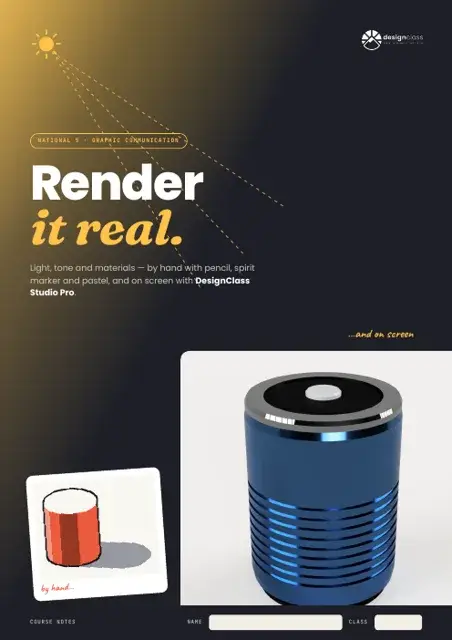
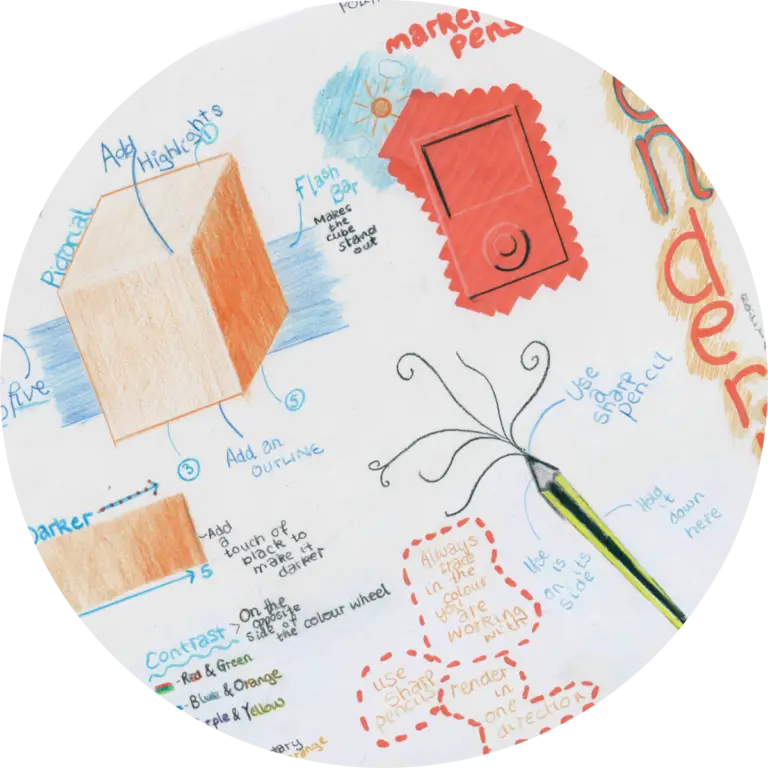
Light, tone and materials — by hand with pencil, spirit marker and pastel, and on screen with RenderClass. Everything you need for the rendering parts of the N5 assignment and exam: course notes, six worksheets, six homeworks and real CAD models to render.

SCALE 1:1
N5Rendering

SubjectGraphics
LevelNational 5
LicenceFree to copy, adapt, share
Sheet05.4 · N5 · Rendering
01Course notes
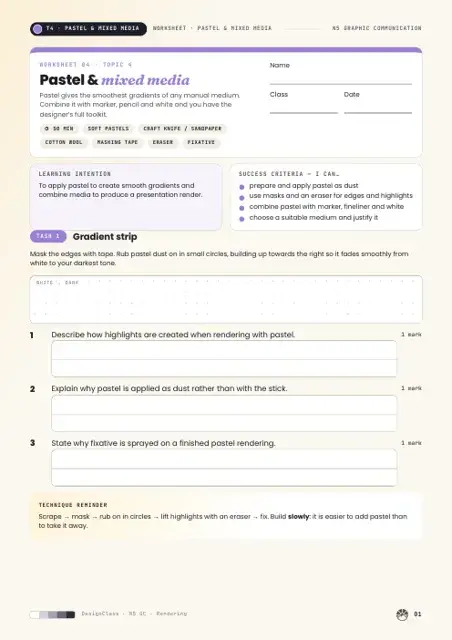
Thirty-eight pages, six topics, each with a Your turn practice page: light, tone & materials, pencil, spirit marker, pastel & mixed media, and two topics on RenderClass — materials & stickers, then camera, lights & studio. It finishes with what markers look for in the assignment and the exam, a glossary and a final check. Print it, or download the type-in version to answer on screen.
02Worksheets
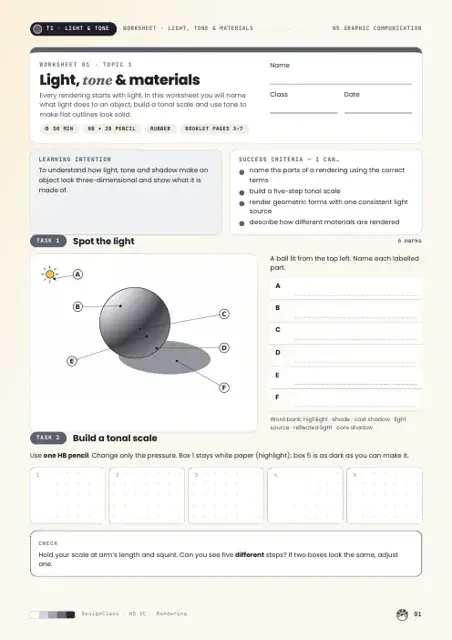
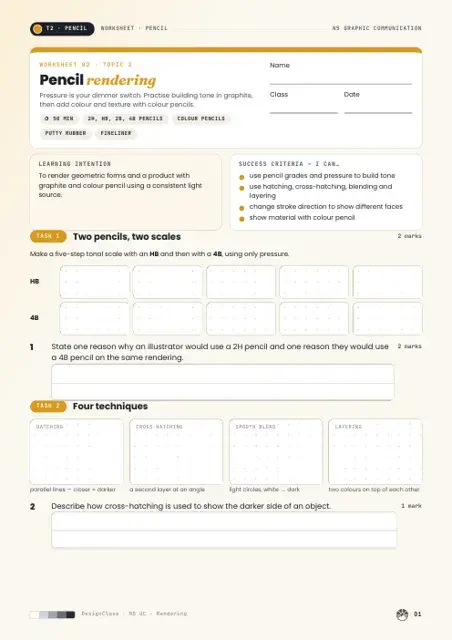
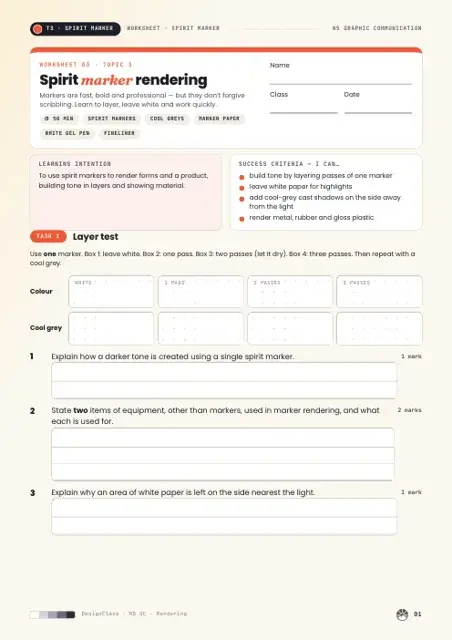
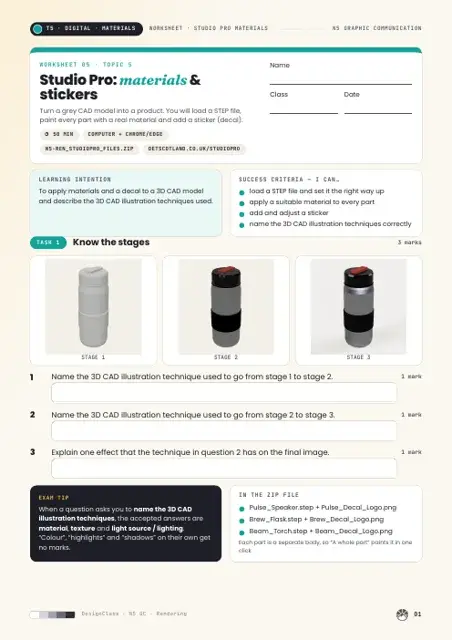
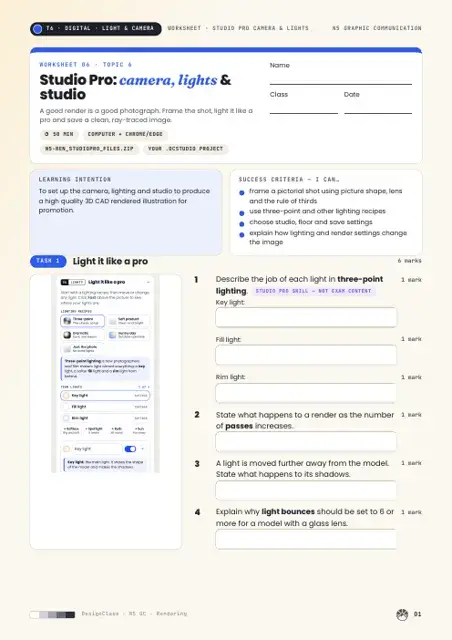
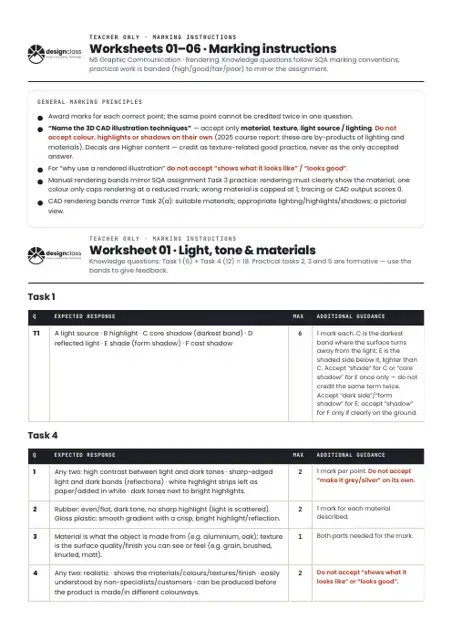
One for each topic. Knowledge questions in the exam style, then practical tasks: render printed outlines of real products by hand, and render the Pulse, Brew and Beam CAD models in RenderClass from a client brief. Each has a self-check strip. Print, or use the type-in version.
03Homework
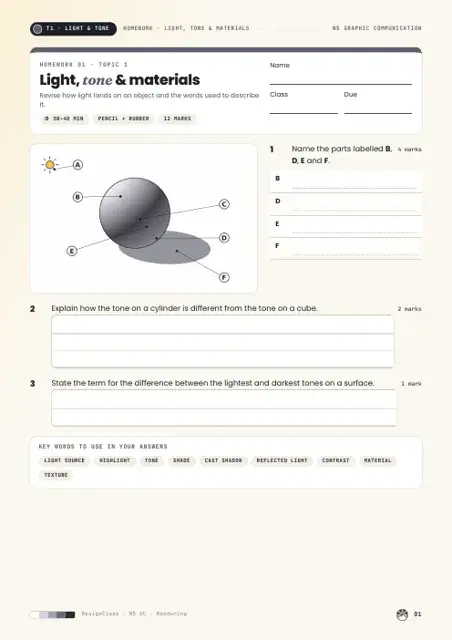
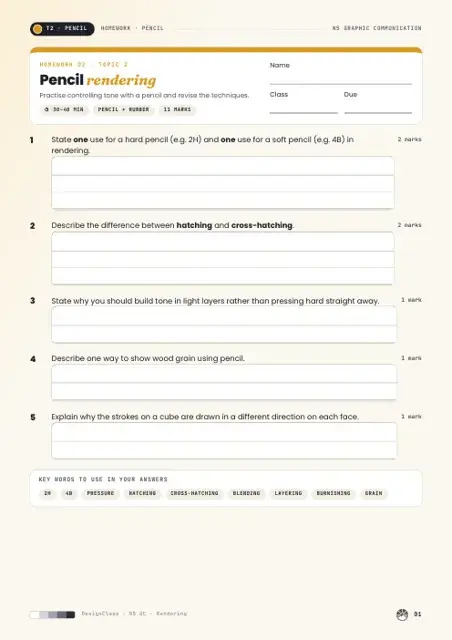
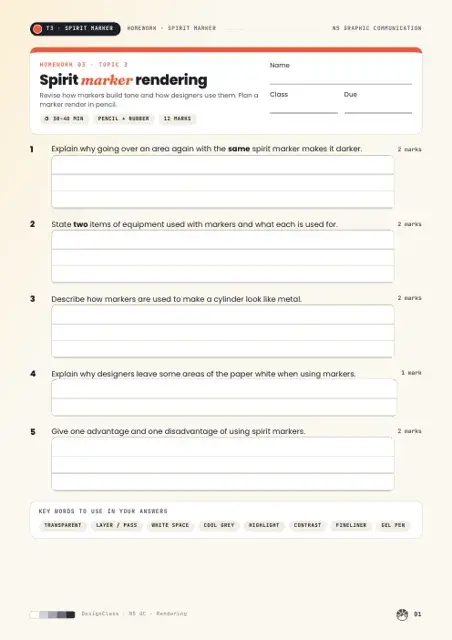
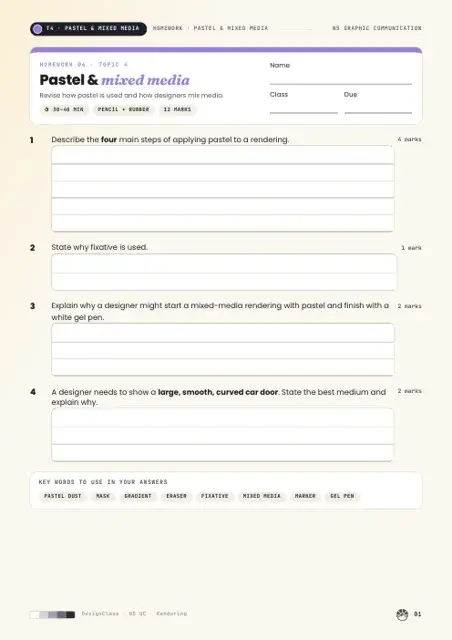
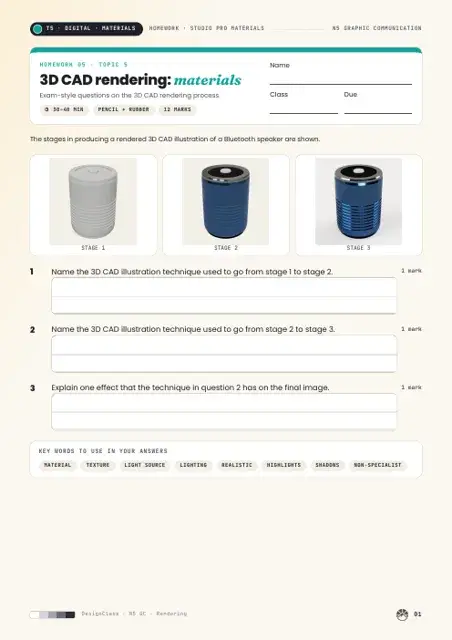
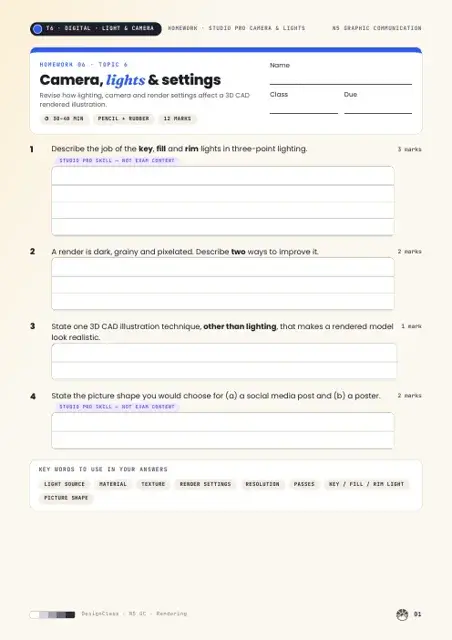
Short exam-style questions and one small practical, about 12 marks each. Everything can be done at home with just a pencil — no markers or software needed.
04Render on screen
No installs, no logins. RenderClass runs in Chrome or Edge: load a STEP file from Fusion, Inventor or Onshape, give every part a real material, add a sticker, light it like a product photographer and save a ray-traced picture for your promotional layout.
RUNS IN YOUR BROWSER · NOTHING IS UPLOADED
Our own ray-traced renderer. Open your STEP, STL or OBJ model, choose what each part is made of, add stickers, set up the camera and studio lights, and save a PNG. One-click lighting recipes, a curved studio backdrop and project files let you carry on next lesson. Your model never leaves your computer.
Open RenderClass ↗Get a model ↓
Use Chrome or Edge on a Windows PC. Teachers: run the computer check on a pupil login first. The first visit downloads about 15 MB, then it is saved for next time. Not designed for iPads or Chromebooks.
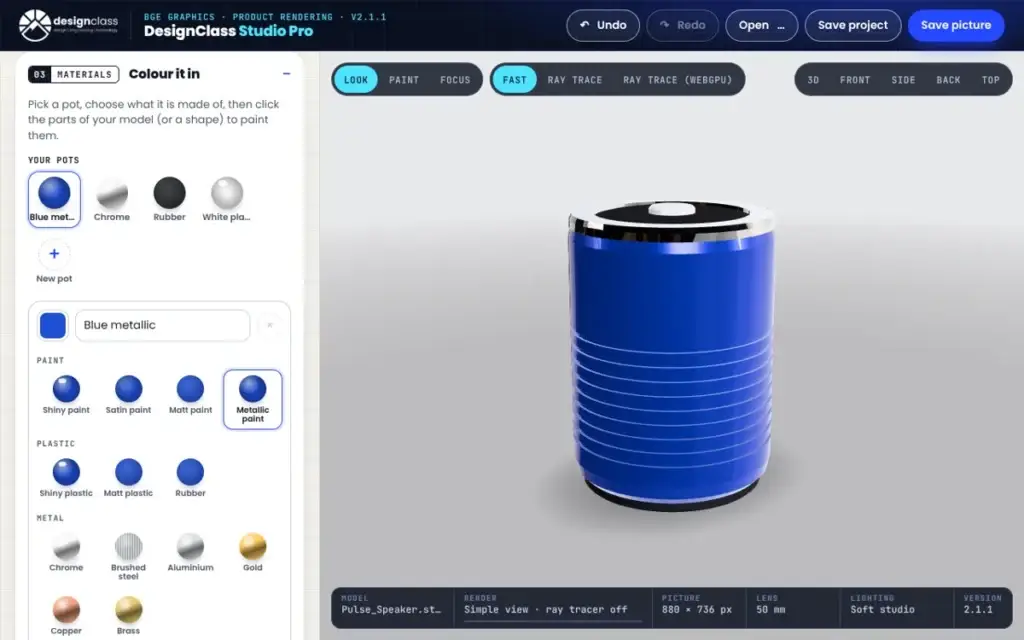 RENDERING · PASS 160 / 160
05Models & stickers
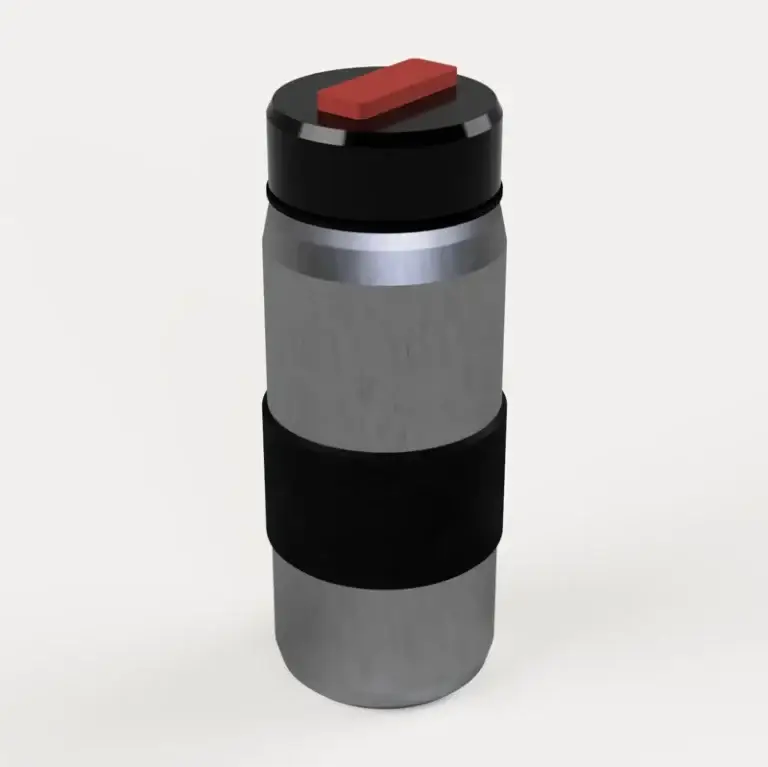
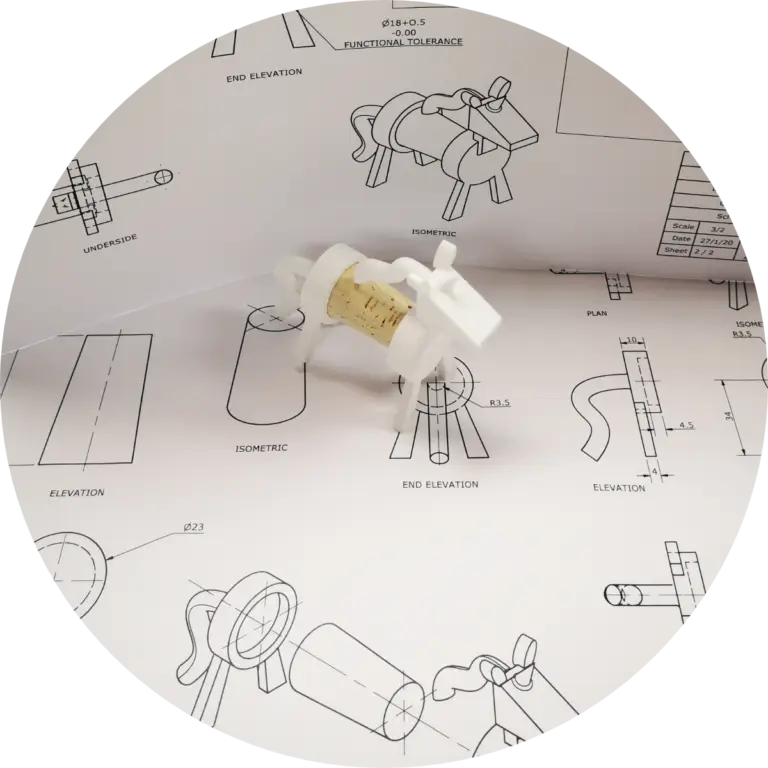
Each STEP model has every part as a separate body, so you can paint it with “A whole part”, plus a transparent PNG sticker. These are the models used in Worksheets 5 and 6. Download them one at a time, or all together as a ZIP.
06What you’ll learn
Every rendering — pencil, marker, pastel or ray-traced — is a drawing of where light lands. Learn to see it, then learn to show it.
01
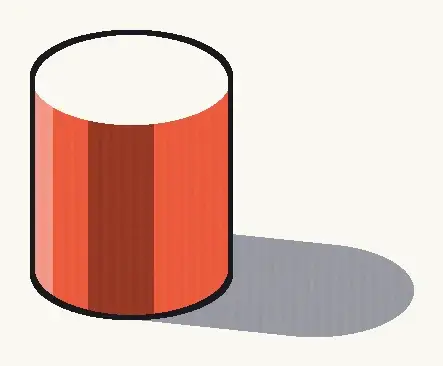
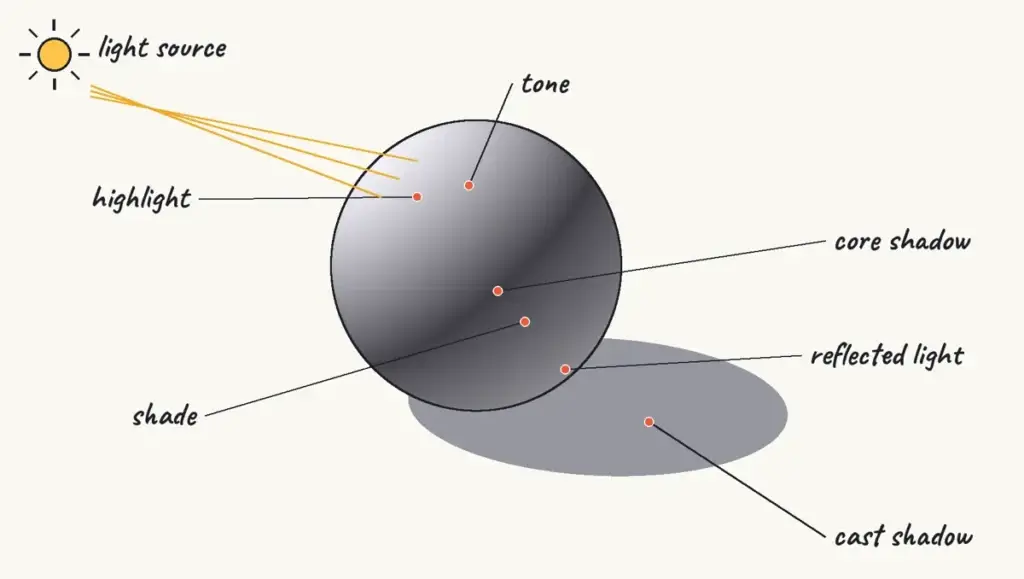
Light source, highlight, tone, shade, cast shadow and reflected light — on cubes, cylinders, spheres and cones.
02
Contrast, highlight shape and texture: how to make it read as metal, plastic, wood, glass or rubber.
03
Pencil, spirit marker and pastel step by step, then mixed media for presentation renders.
04
Materials, texture, stickers, light source, camera and render settings — and the exact words the exam accepts.
07For teachers
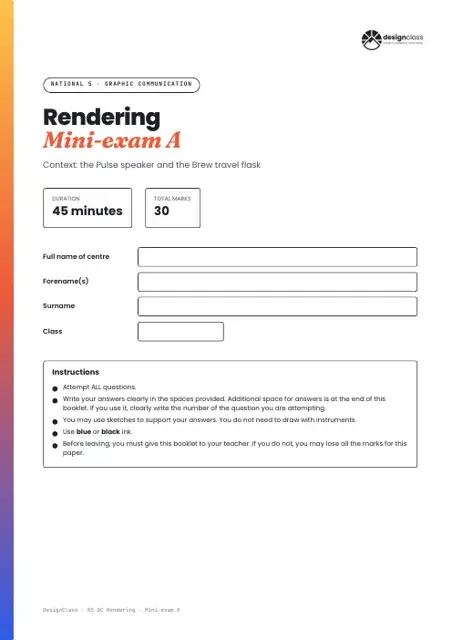
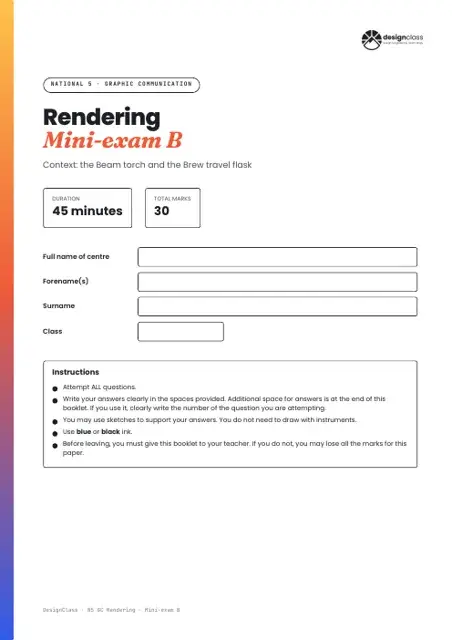
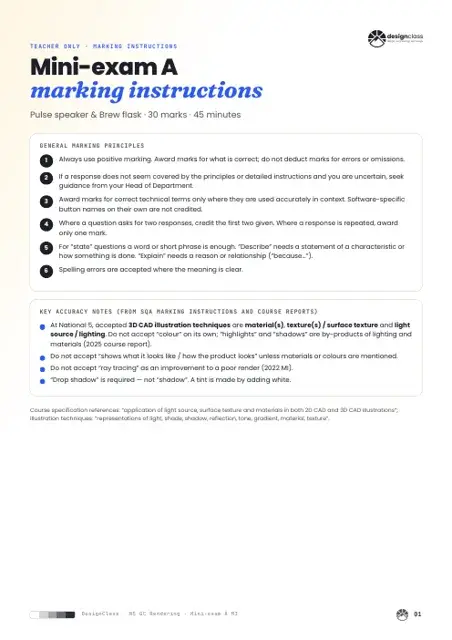
Everything you need to teach the unit, in the DesignClass Teacher Zone: a teacher guide with a 7-week sequence and RenderClass set-up, six PowerPoints with speaker notes, marking instructions for every worksheet, homework and the course notes, and two 30-mark mini-exams in the Qualifications Scotland style.
Teacher membership
Members get the lesson slides, answers, assessments and marking schemes for every DesignClass project, plus early access to new projects. Membership is £5 a month or £50 a year, and it keeps DesignClass free for every pupil in Scotland.
08Keep building
Renders looking sharp? Put them to work in a promotional layout, or step up to Higher.
“Light is the first material you render.”
Render it real, DesignClass