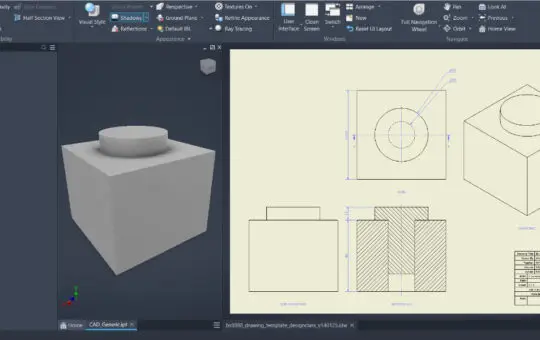
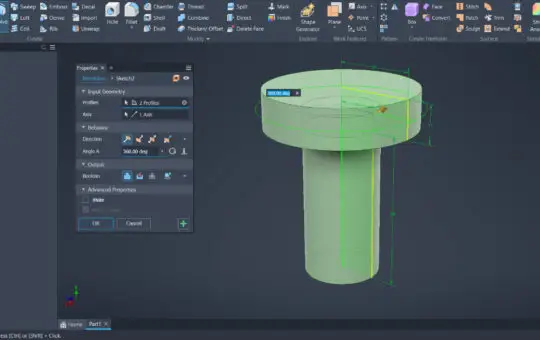
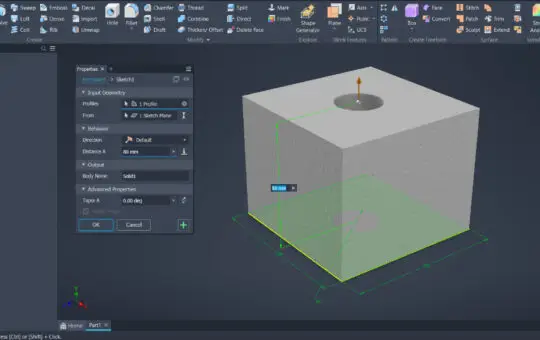
In this section of the course you’ll build confident, practical skills in 3D CAD modelling, focusing on the techniques, tools and modelling concepts used throughout Higher Graphic Communication. You’ll learn how to create accurate 3D models using features such as extrude, revolve, loft, sweep/extrude‑along‑path, fillet and chamfer, and how to edit models using tools like shell, subtract, mirror, offset and array. You’ll also learn how to work with top‑down and bottom‑up modelling, understand vertices, edges, faces, and use a modelling tree/hierarchy to plan and edit your work. As you progress, you’ll practise assembling components using constraints such as mate, align, centre axis and offset, just as required in exam questions like constraining a door‑handle sub‑assembly. Finally, you’ll learn how to generate production drawings directly from your CAD models, including orthographic views, sectional views, detail views, and pictorial views, complete with correct British Standard conventions — dimensions, projection symbol, hidden detail and title block.
Step‑by‑step examples of creating full technical drawings.
Clear explanations of line types, symbols and dimensioning rules.
Guided practice with section views, auxiliary views, detail views and annotations.
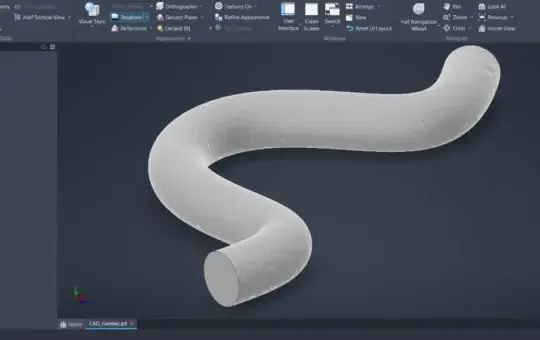
Step‑by‑step examples showing how profiles follow a path.
Real Higher‑style tasks such as pipes, curved handles and guided features.
Clear explanations of profiles, paths and orientation settings.
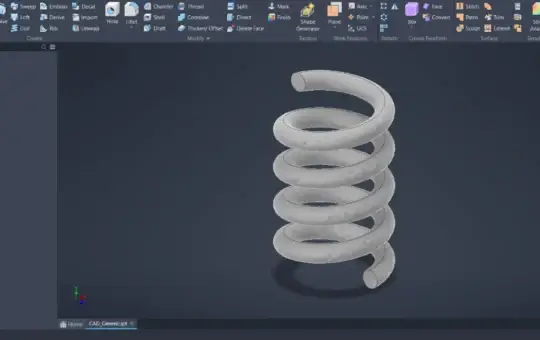
Step‑by‑step examples showing how helix geometry is built.
Real Higher‑style tasks such as simple threads and spiral features.
Clear explanations of pitch, height, turns and taper.
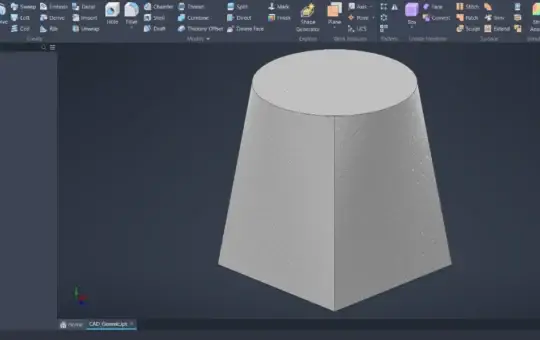
Step‑by‑step examples showing how lofts are built from profiles.
Real Higher‑style modelling tasks using lofted transitions.
Clear explanations of profiles, vertices and section order.
Step‑by‑step modelling of real Higher‑level revolve parts.
Clear examples showing when to use Revolve instead of Extrude.
Guided practice using full and partial revolved features.
Clear examples showing when to use Extrude.
Step‑by‑step modelling tasks using real Higher‑style components.
Guided practice with solid extrudes, subtract extrudes and symmetric extrusions.